
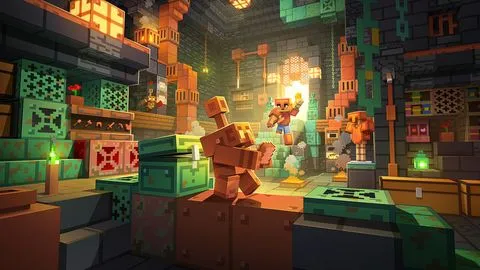
Built in, no setup
 LIGHT CLIENT

The free Minecraft launcher with a built-in HUD, FPS boost and every version from 1.14.4 to 26.3.
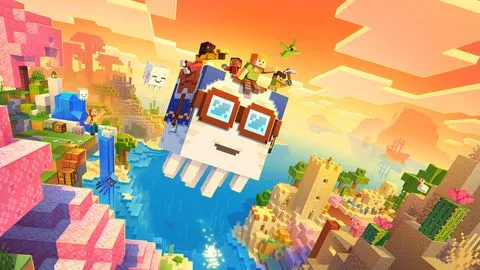
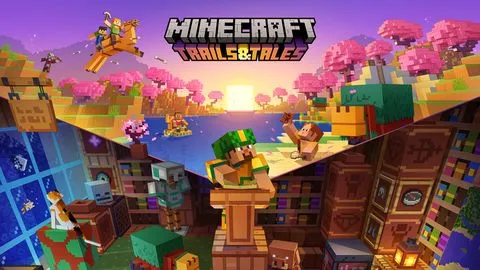
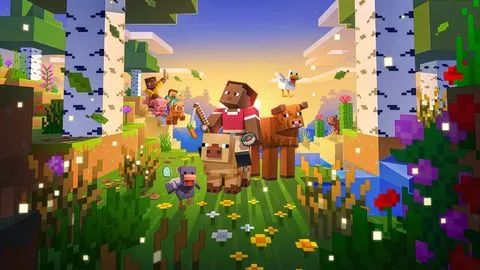
The biggest Light Client update so far.
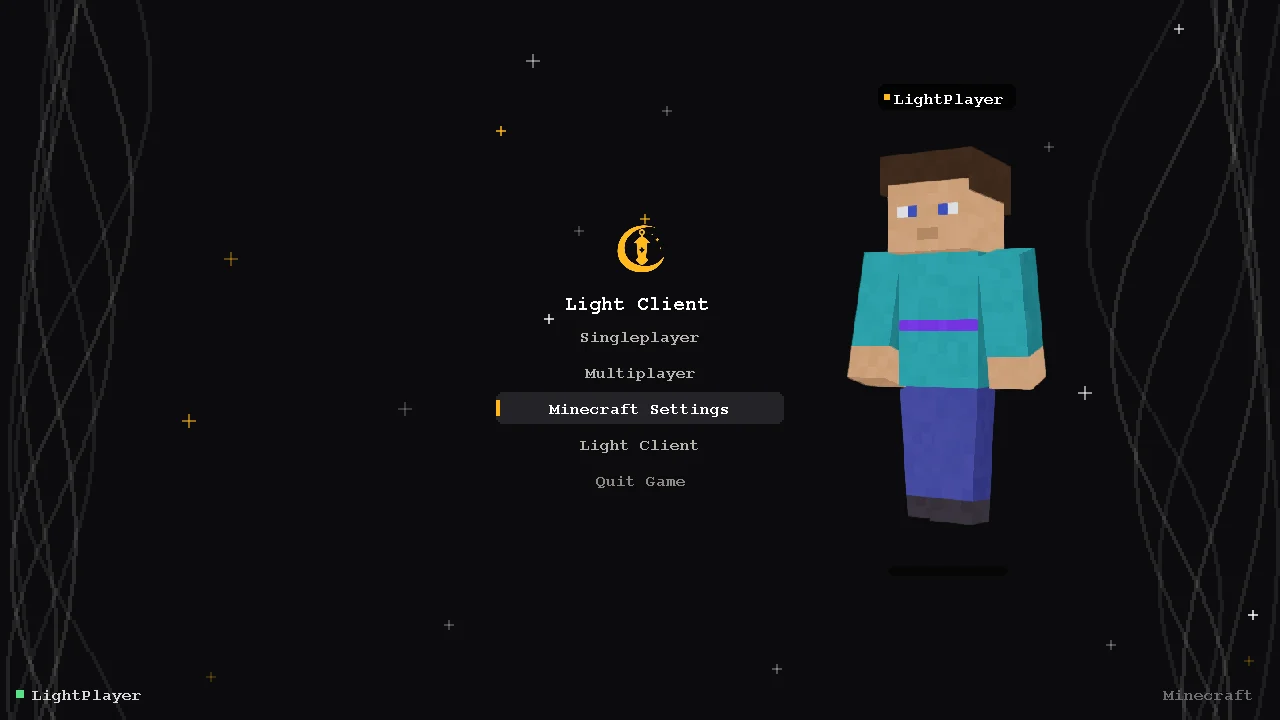
Click to enter, your animated skin with a nametag, smoke and stars. Made for Light Client, on every version.
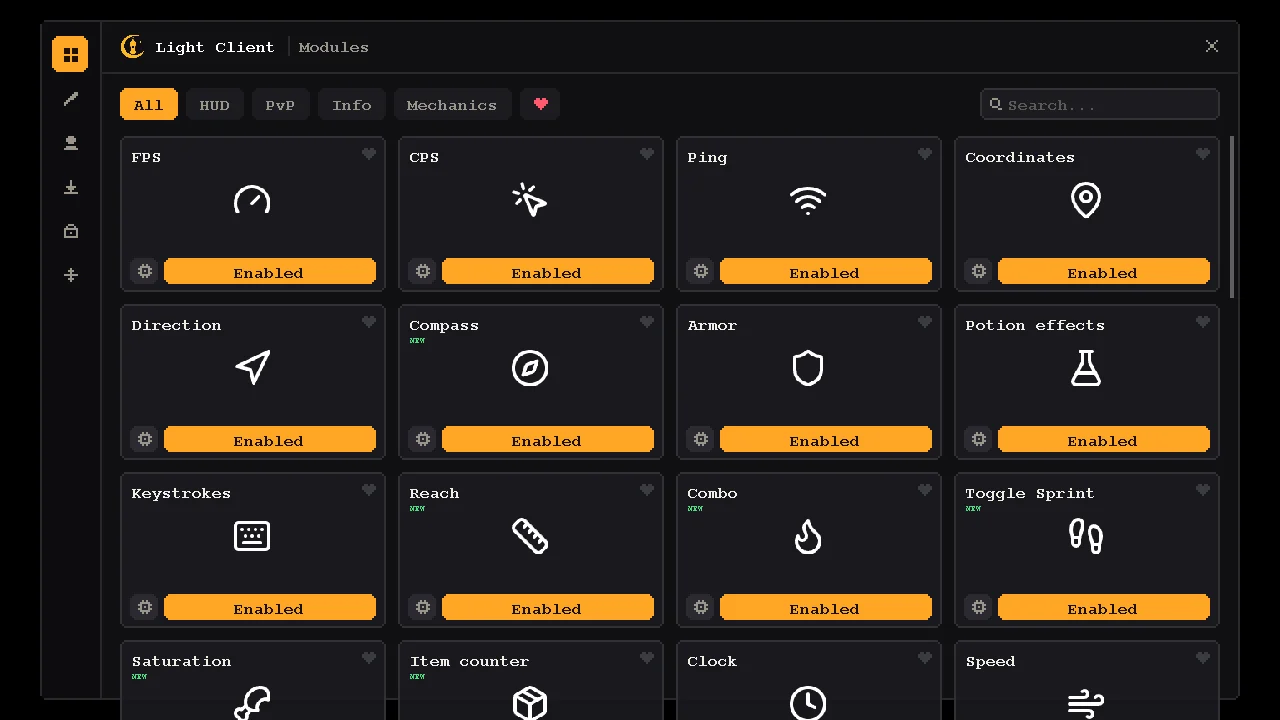
Clean white icons, one click to toggle, settings behind the gear. Gold, black and smooth.
Watching Netflix or YouTube? Your character sits down with popcorn in front of a floating screen.
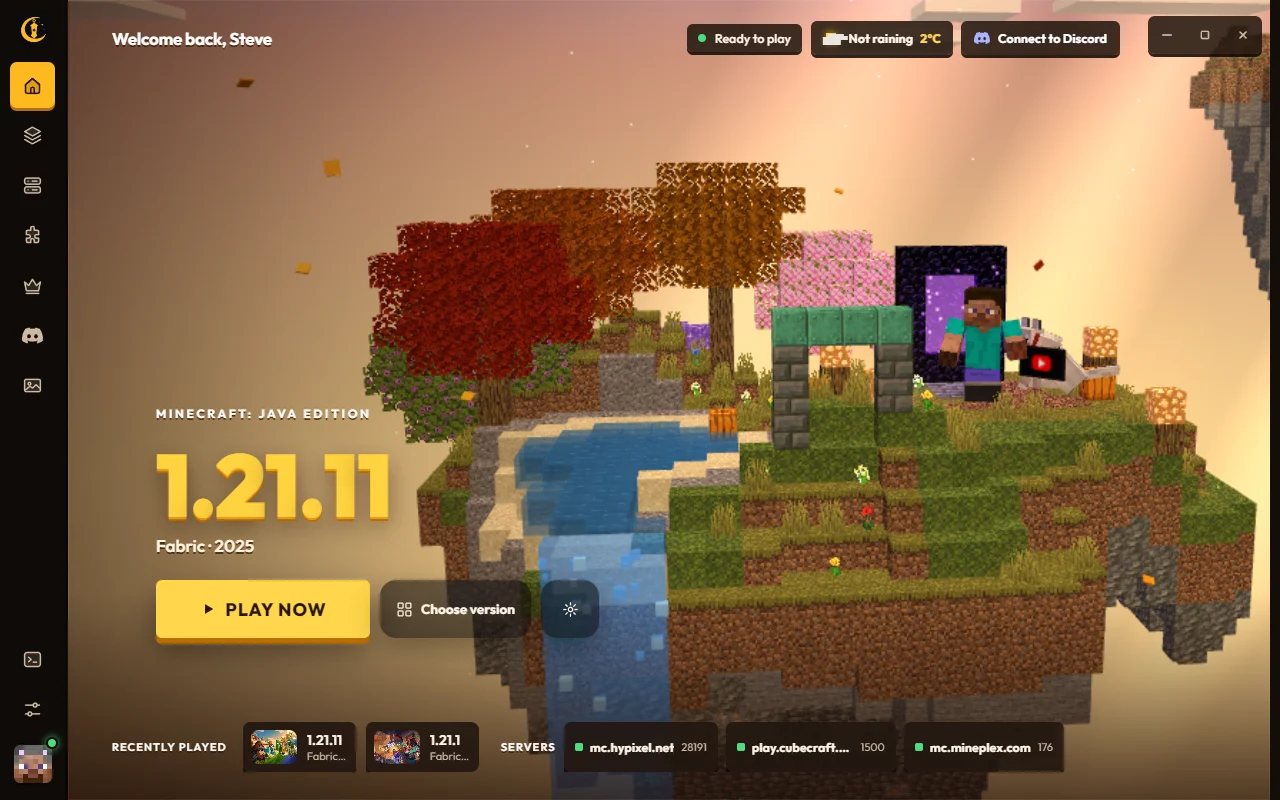
Real screenshots of the launcher, not mockups.
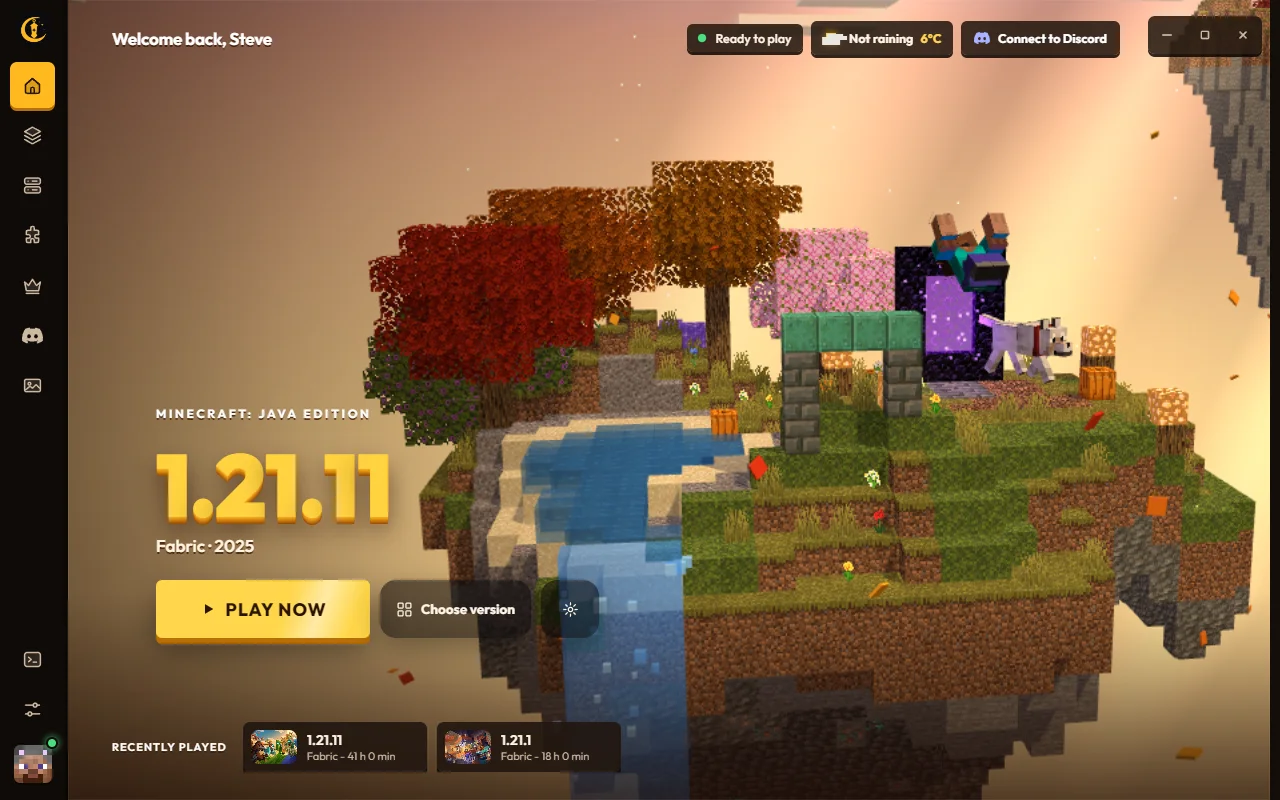
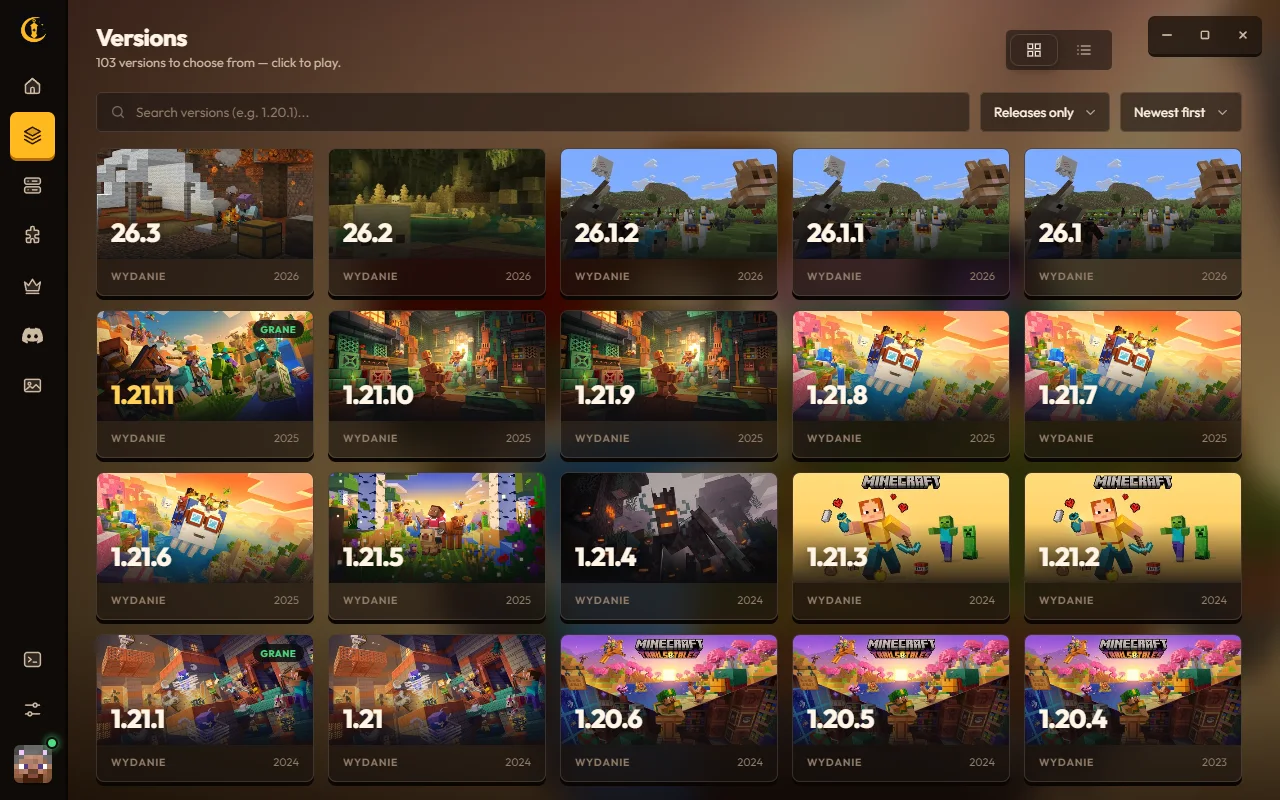
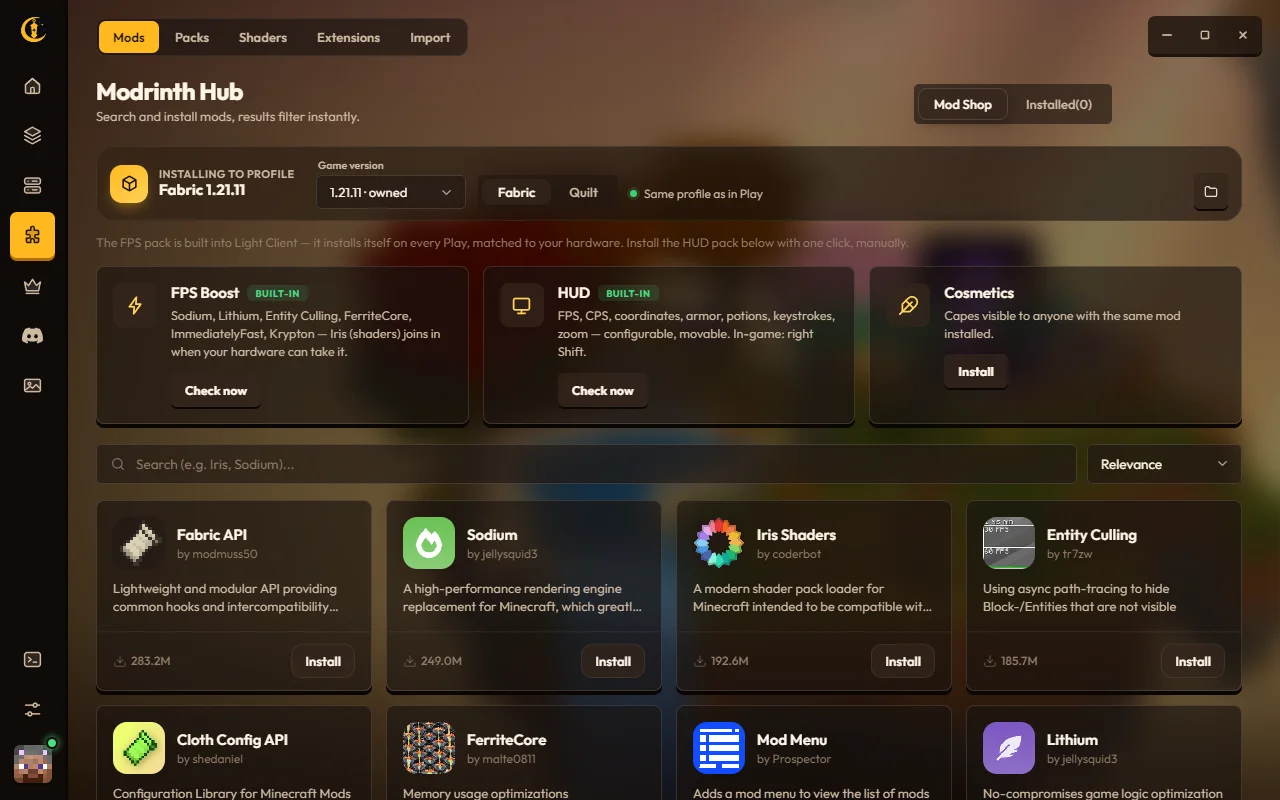
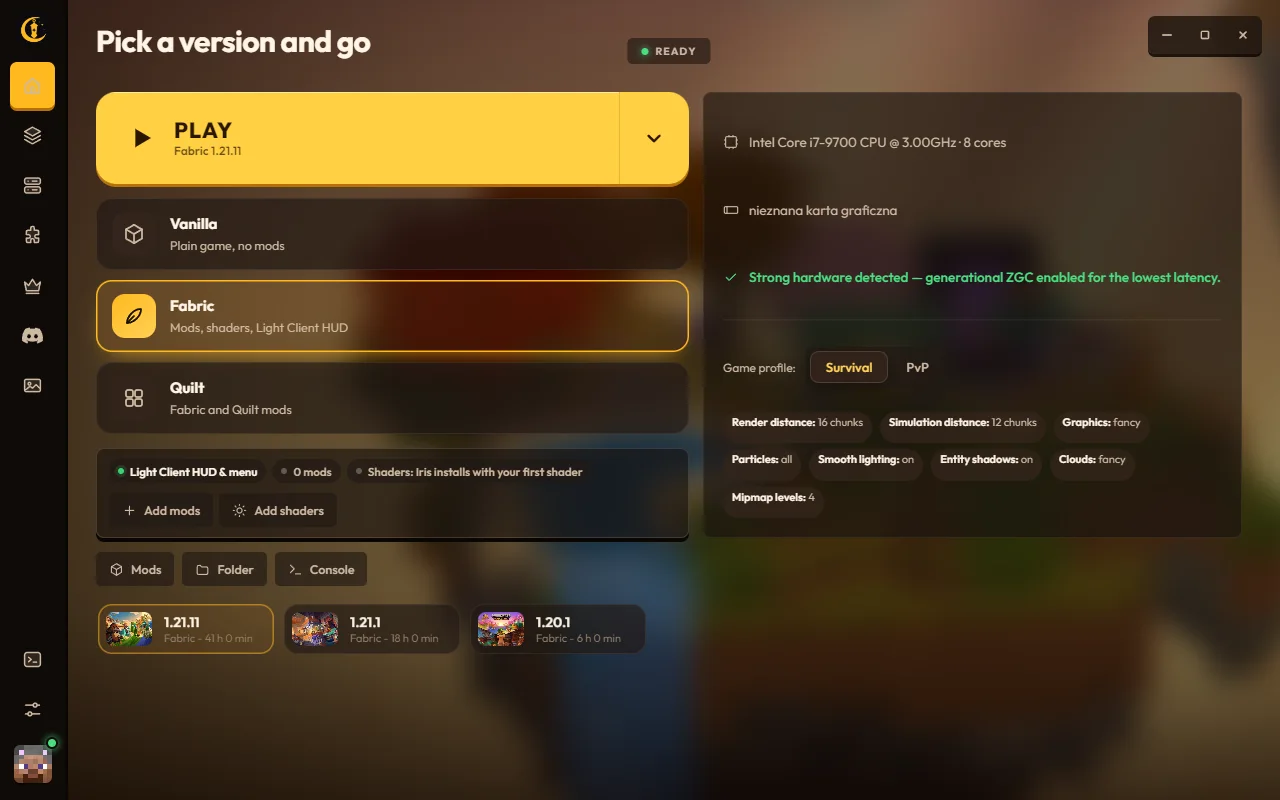
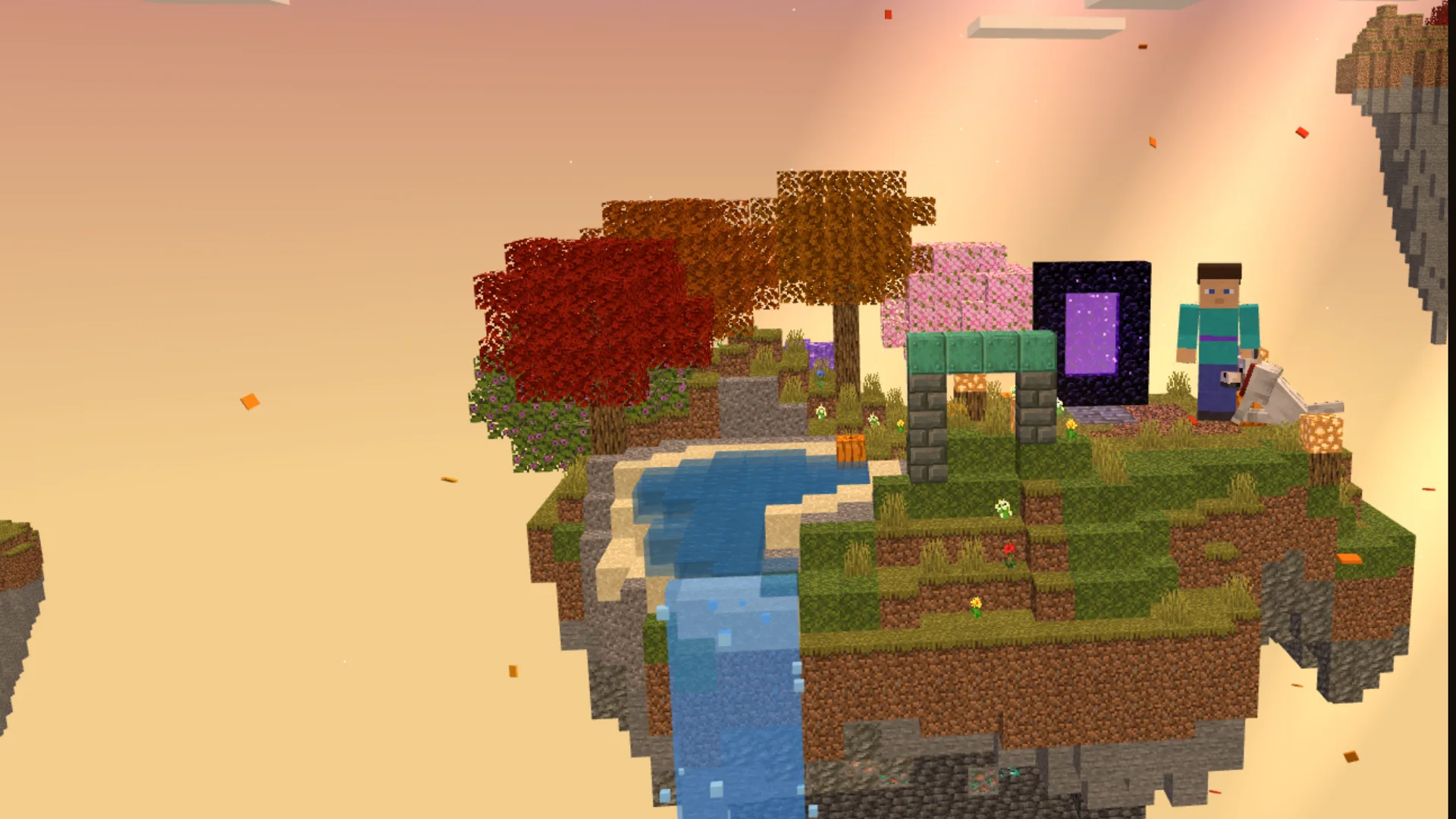
A living voxel island with your own skin. Pick a version and press Play.
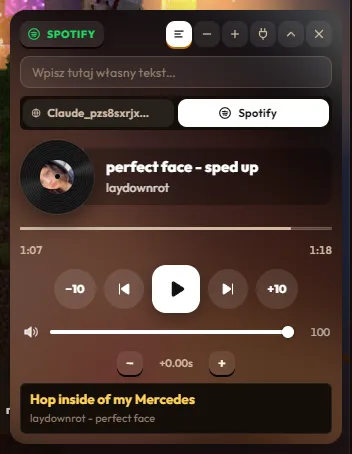
Spotify, YouTube, Netflix and any other player show up in a widget on the home screen, with synced lyrics and a spinning record.
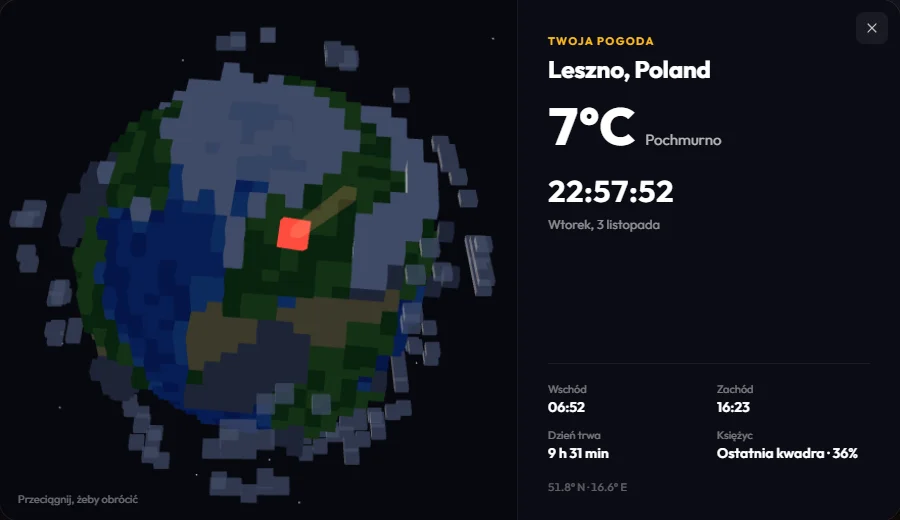
The island follows the real sun and moon above you. Click the weather to see a voxel Earth with your spot pinned.
HUD builds for 23 versions, from 1.14.4 to 26.3. Snapshots, betas and alphas too.
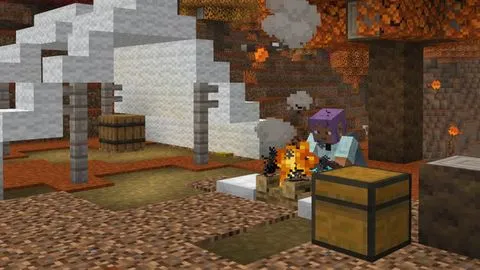 26.3
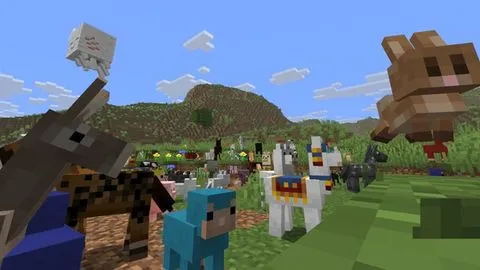 26.1
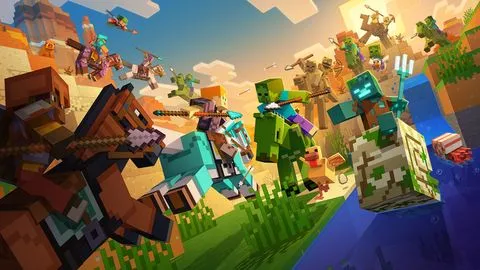 1.21.111.21.91.21.6
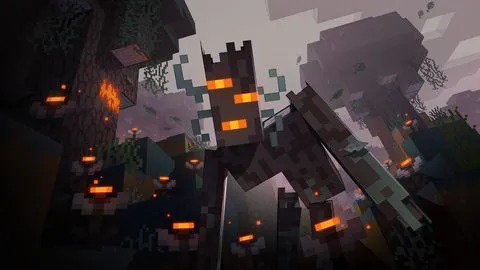 1.21.426.326.11.21.111.21.91.21.61.21.426.326.11.21.111.21.91.21.61.21.4
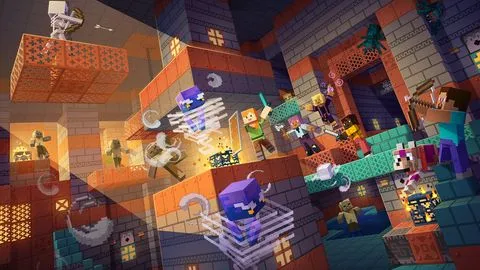 1.211.20.1
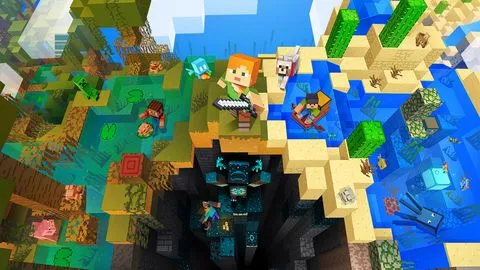 1.19.4
 1.18.2
 1.16.5
 1.14.41.211.20.11.19.41.18.21.16.51.14.41.211.20.11.19.41.18.21.16.51.14.4
Yes. The launcher, the HUD and every built-in feature are free.
Yes, your own Minecraft: Java Edition account. Sign-in goes through the official Microsoft page and tokens are encrypted on your PC.
Light Client is not code-signed yet, so Windows sees an unknown publisher. Choose More info, then Run anyway. You can check the file against the SHA-256 below.
No. The launcher downloads the right Java for each version and picks memory settings for your PC.
Right Shift opens the module menu. Right Shift + Left Ctrl opens the editor where you drag modules with the mouse.
The launcher checks for a new version on start and updates itself. Your settings and worlds stay.
Boosted frames, a built-in HUD, every version and it is completely free. Ready to play?
Download v2.0.2SHA-256 a47e49d7f7e02764…